
Global internet in 60 seconds
Connect eSIM online - no plastic,
no waiting, instantly after payment
Ready-made eSIM plans for
the most common trips

/ 01
from0.30 USD

/ 02
from0.30 USD

/ 03
from0.30 USD

/ 04
from0.30 USD

/ 05
from0.30 USD

/ 06
from0.30 USD

/ 07
from0.30 USD

/ 08
from0.30 USD

/ 09
from0.30 USD

/ 010
from0.30 USD

/ 011
from0.30 USD

/ 012
from0.30 USD
Plans purchased by users in
the last 24 hours
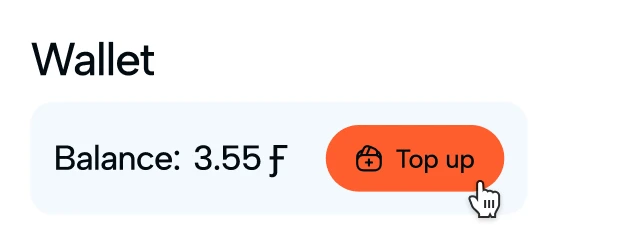
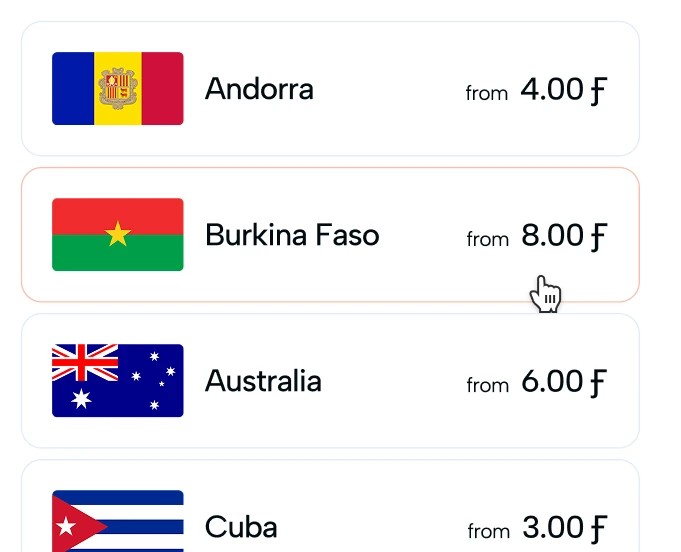
Top up your wallet and choose a country and plan
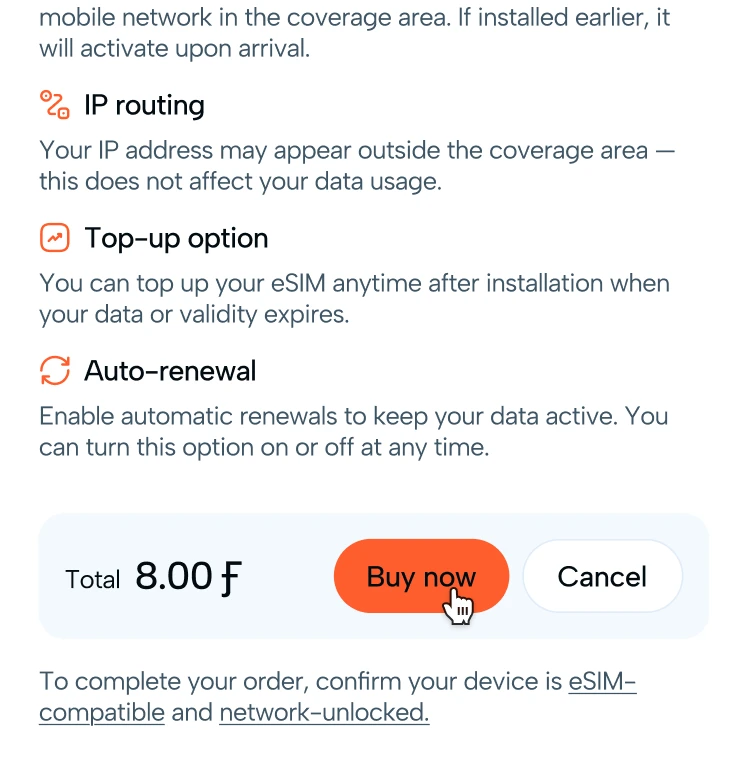
Pay online in just a few clicks
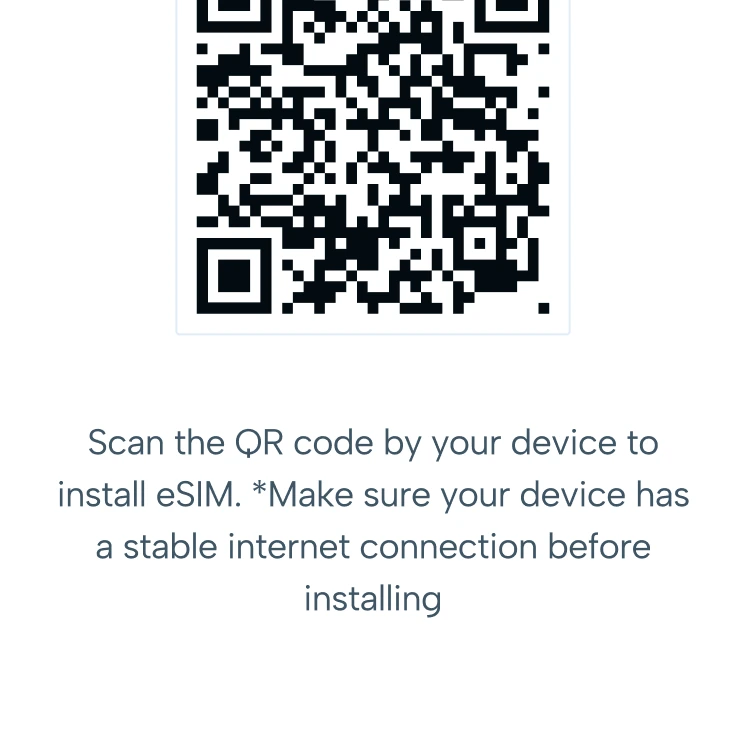
Scan the QR code and get connected


Our
advantages
Pay only for the data you need
Activate your eSIM right after purchase
Local, regional, and global plans
No store visits and no physical SIM card
This is a digital version of a traditional SIM card that does not have a physical carrier and is built directly into the device during the manufacturing process. It is a microchip that is soldered onto the motherboard of a smartphone, tablet, smartwatch, or other gadget.
Your data connection will start working immediately after your eSIM and selected plan are successfully activated on your device. In most cases this happens within a few moments once you follow the activation steps and see the network signal appear. If your internet does not start right away, simply turn airplane mode on and off or restart your phone to refresh the connection, and your plan should begin working automatically.
Unfortunately, once a plan has been purchased and activated, it cannot be modified or upgraded. Each plan is fixed with its own data allowance and validity period, so changing your plan is only possible by purchasing and activating a new one. You are always free to buy an additional plan that better meets your needs and use it alongside or after your current plan.